TL;DR:GitHub Actions is the strongest fit for GitHub-native teams that want CI next to pull requests. GitLab CI/CD leads for all-in-one DevSecOps (SCM + pipelines + security). CircleCI suits credit-based hosted CI with flexible resource classes. Buildkite is built for hybrid agents — SaaS control plane with builds on your infra or published hosted agents. Jenkins remains the open-source choice when you will own the controller (software free; ops cost is real). Fit labels are Kurums interpretation from public pricing checked 2026-09-17. Compare pricing, strengths and tradeoffs below.
CI/CD platforms automate build, test and release so every commit can move toward production without manual handoffs. This guide compares five primary CI/CD products for engineering and platform leads — not a rewrite of our DevOps & deployment fundamentals.
We evaluate the same fields for every option: public starting price, pricing model, hosting model, standout capability and main limitation. We do not crown a single “best overall” winner. Pricing reflects publicly listed rates checked on 2026-09-17; always verify live vendor pages before purchase.
CI/CD tools comparison at a glance
Platform
Pricing
Best For
Link
GitHub Actions
Included with GitHub Free / Team ($4/user/mo*) / Enterprise ($21/user/mo*); Actions minutes by plan
Pricing reflects publicly listed US rates as of 17 September 2026 and changes frequently. Some tools price by seat, others by minutes or credits. Free tiers and allotments vary widely. Always verify current pricing on each provider’s official site. Fit labels are Kurums interpretation, not vendor rankings. *GitHub Team/Enterprise first-12-months footnotes appear on github.com/pricing — confirm live.
The best CI/CD platforms in 2026, compared
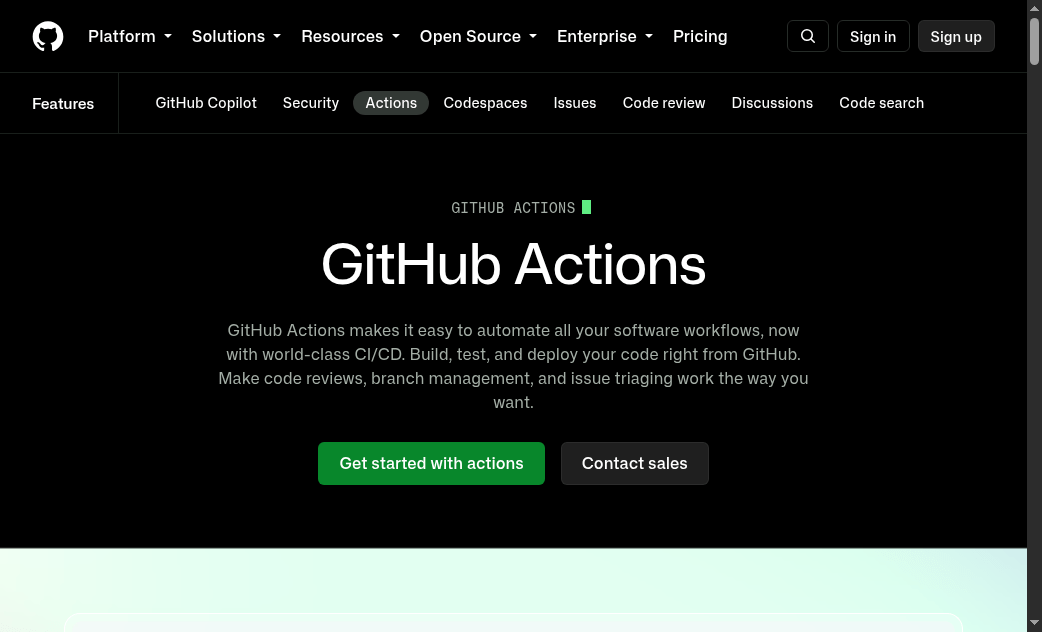
GitHub Actions
Best for GitHub-native teams
Best for: Engineering teams already on GitHub that want workflows as YAML next to the code, with hosted or self-hosted runners.
GitHub Actions keeps CI inside the same product as pull requests and code review. Public repositories get a generous Actions model per GitHub’s pricing page; private-repo minutes and OS multipliers (Linux vs Windows/macOS) are what usually drive cost at scale.
Starting price
Included with GitHub Free; Team $4/user/mo*; Enterprise $21/user/mo* (+ Actions minutes by plan)
Best for short
GitHub-native teams
Pricing model
Per-user GitHub plan + Actions usage beyond included minutes
Hosting model
GitHub-hosted runners and/or self-hosted runners
Standout
Lowest switching cost when PRs already live on GitHub
Main limitation
Minute multipliers and storage can surprise heavy private CI
Workflows, matrix builds and Environments sit in the same UI as PRs
Public-repo Actions minutes are free per GitHub’s pricing page — useful for OSS
Self-hosted runners help when you need private network access or cost control
Best for: Teams that want source control, CI/CD and security scanning in one product — cloud-hosted or self-managed.
GitLab CI/CD is built into the GitLab platform rather than bolted on as a separate vendor. Shared runners consume compute minutes (Free 400; Premium 10,000; Ultimate 50,000 — verify live); bring-your-own runners do not consume those minutes.
Starting price
Free $0; Premium $29/user/mo billed annually; Ultimate on plan page
Best for short
All-in-one DevSecOps
Pricing model
Per user + shared-runner compute minutes
Hosting model
GitLab.com shared runners, own runners, or self-managed GitLab
Standout
Repo + pipeline + security in one bill
Main limitation
Seat cost and shared-runner minutes; security depth is tier-gated
One platform for repo + pipeline reduces tool sprawl for mid-size teams
Own runners keep CI running without burning shared compute minutes
Security feature depth is clearly tiered — budget Ultimate only if you will use it
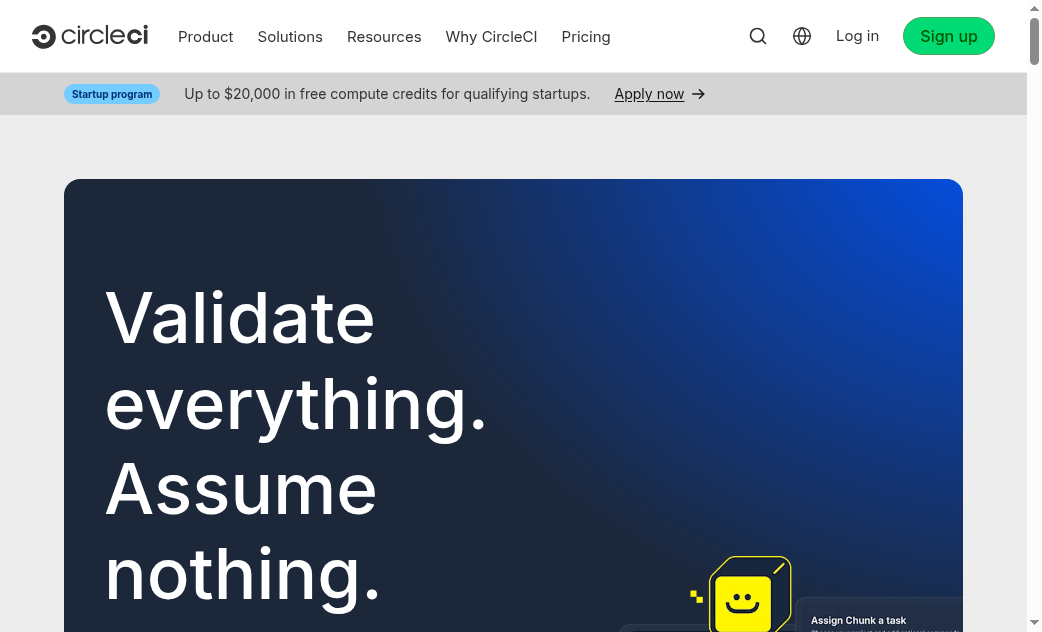
Best for: Teams that want a dedicated CI product with flexible resource classes (Docker, Linux VM, Arm, Windows, macOS, GPU on higher plans) and usage-based credits.
CircleCI prices compute and seats through credits rather than a single flat minute pool. The public Performance plan documents included credits and refill pricing ($15 per additional 25,000 credits) — model your resource-class mix before calling any plan “cheap.”
Best for: Platform teams that want dynamic pipelines and a hosted control plane while builds run on self-hosted or Buildkite-hosted agents.
Buildkite’s model centers on agents: you keep compute in your VPC or on metal, while the SaaS UI orchestrates pipelines. Pro publishes agent overage ($3.50/agent/month after included) and hosted Linux rates ($0.004/vCPU-min) so hybrid cost modeling is possible without a sales call for common tiers.
Starting price
Free (caps); Pro (users/agents/hosted minutes); Enterprise custom
Best for short
Hybrid agents
Pricing model
Plan limits + agent overage + optional hosted per-vCPU-minute
Hosting model
Self-hosted agents and/or Buildkite hosted agents
Standout
SaaS control plane with builds that stay on your infrastructure
Main limitation
You still operate agents (or pay hosted rates) — not pure set-and-forget SaaS
Designed for bursty concurrency without forcing all compute into a vendor minute pool
Published hosted-agent rates make hybrid cost modeling possible on Pro
Enterprise security features (SCIM, private logs) are clearly gated — plan accordingly
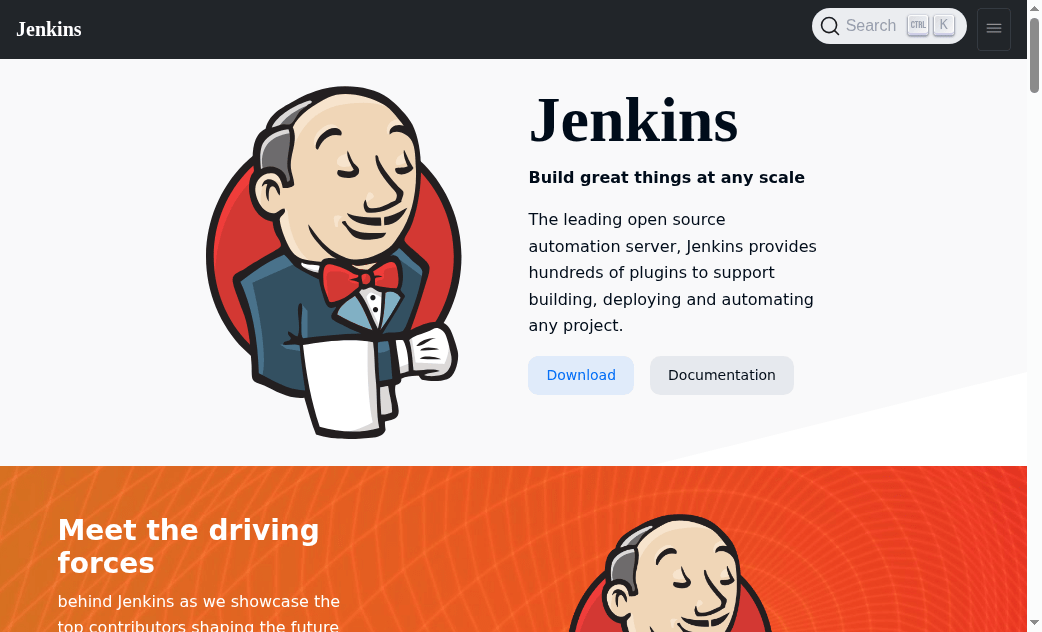
Best for: Organizations with platform engineers who need extreme plugin flexibility or air-gapped controllers — and will own the operational burden.
Jenkins core is open-source and free to download; hardware, cloud and maintainer time are your real costs. Enterprise wrappers such as CloudBees are often sales-contact — do not invent list prices. Treat “free OSS” honestly: the software has no seat fee; the platform team does.
Starting price
OSS free (MIT); you pay ops. CloudBees / enterprise: often sales-contact
Best for short
Self-hosted control
Pricing model
Ops cost for OSS; enterprise distributions typically quote-based
Hosting model
Self-hosted controller + agents (you operate)
Standout
Maximum plugin flexibility and air-gapped control
Main limitation
Maintenance burden and plugin risk; not hosted SaaS by default
Maximum control for regulated or custom build environments
No per-seat SaaS tax on the OSS core — budget people and infra instead
If you need a supported distribution, treat CloudBees as sales-contact and compare TCO honestly
Start with where your code already lives and how much platform engineering capacity you actually have.
Choose GitHub Actions when pull requests already happen on GitHub and you want the lowest workflow friction. Model private-repo minute use (and OS multipliers) on github.com/pricing and the Actions calculator. Add self-hosted runners if minutes or network access become the bottleneck.
Choose GitLab CI/CD when you want one DevSecOps platform — repo, pipelines and security scanning — rather than stitching vendors. Prefer own runners if shared compute minutes will run out. Verify Ultimate feature gates before paying for seats you will not use.
Choose CircleCI when you need a dedicated hosted CI product with flexible resource classes and are willing to model credit spend for your concurrency mix. Shortlist it alongside Buildkite hosted agents when macOS, GPU or very high concurrency matter.
Choose Buildkite when security or cost requires builds inside your VPC or on your metal, but you still want a SaaS control plane and dynamic pipelines. Budget agent image maintenance either way.
Choose Jenkins only when you will own the controller — extreme customization, air-gapped operation, or a sticky plugin estate. If you have a Jenkins estate and only want to modernize selectively, keep Jenkins where plugins are sticky and pilot GitHub Actions or GitLab on greenfield repos rather than assuming a big-bang rewrite pays for itself.
The most useful tool is the one that matches how your team ships every day. Seat minimums, minute/credit multipliers and who patches the runners matter more than the longest feature checklist. Fit guidance above is Kurums interpretation from public pricing and docs checked 2026-09-17 — not sponsored rankings.
Tip: Price the same representative pipeline (lint + unit + container build + deploy to staging) across two shortlisted vendors before renewing annual contracts. Minute/credit multipliers and seat minimums change the winner more often than feature checklists.
How we evaluate
We compare tools on the same fields: public pricing and billing basis, free plan or trial, hosting model, standout capability, and the main limitation. Order reflects evidence for common buyer situations — not affiliate availability. We do not claim “best overall,” “market leader,” or invented market share.
Primary sources are vendor pricing and documentation pages checked on 2026-09-17 (see SOURCE-LEDGER). Third-party commentary is used only for context and labeled. Re-check every price at publish time.
Frequently Asked Questions
What is the best CI/CD tool in 2026?
It depends on your stack. GitHub Actions fits GitHub-native teams; GitLab CI/CD fits all-in-one DevSecOps; CircleCI fits credit-based hosted CI; Buildkite fits hybrid agents; Jenkins fits teams that will own a self-hosted controller. There is no single best overall winner.
Is GitHub Actions free?
GitHub publishes Free/Team/Enterprise seat prices and included Actions minutes. Public repository Actions minutes are free per GitHub’s pricing page. Private-repo minutes and storage have plan limits and paid overages — verify current numbers on github.com/pricing.
GitHub Actions vs GitLab CI — which should we pick?
If you are standardized on GitHub, Actions usually wins on friction. If you want a single DevSecOps platform or self-managed control, GitLab is often the better fit. Compare seat + minute math for your org size.
How do CircleCI credits work?
Credits pay for active users, compute resource classes, and some features. The public Performance plan documents included credits and refill pricing ($15 per additional 25,000 credits) — model your resource class mix before estimating spend.
Does Buildkite require us to run our own agents?
Buildkite’s model centers on agents; you can self-host them and/or use Buildkite hosted agents with published per-vCPU-minute rates on the Pro pricing page (Linux $0.004/vCPU-min). Enterprise is custom.
When is Jenkins still a good idea?
When you need deep customization, air-gapped operation, or already have staff who maintain controllers safely. The software is free; ops cost is not. Otherwise hosted or hybrid SaaS CI usually reduces toil.
What should we verify before signing an annual CI contract?
Seat minimums, minute/credit multipliers, macOS pricing, artifact retention, SSO/SCIM gating, and whether security scanning is included or add-on. Re-open vendor pricing pages the week you renew.
Last Updated: 17 September 2026 (Europe/Istanbul) · Reviewed by the Kurums Technology editorial team. This comparison is independent and informational; it is not purchasing advice. Verify pricing, features and integrations directly with each provider.
Disclosure: Kurums comparisons are editorial and informational. “Visit” links go to official vendor sites. If a link later becomes affiliate or sponsored, it will use sponsored/nofollow attributes and this disclosure will be updated. Always verify current pricing and terms on the vendor page.