
AI image generators now compete on much more than prompt-to-image quality. The practical differences are model choice, editing depth, typography, privacy, commercial-use terms, team controls and the way credits are consumed.
This buyer’s guide compares six leading options using current official product and pricing information checked on September 12, 2026. The order below matches the detailed reviews: getimg.ai appears first as requested, but placement is not presented as an editorial award or “best overall” designation.
AI image generators compared at a glance
| Platform | Pricing | Best For | Link |
|---|---|---|---|
| getimg.ai | From $10/mo; about $8/mo annually* | Multi-model creation and editing | Visit → |
| Midjourney | $10–$120/mo | Artistic concepts and hero visuals | Visit → |
| ChatGPT Images | Free tier; Plus $20/mo | Conversational creation and editing | Visit → |
| Adobe Firefly | Free tier; from $9.99/mo | Brand and Creative Cloud workflows | Visit → |
| Ideogram | Free tier; $20/mo ($15 annually) | Text inside images | Visit → |
| Leonardo.ai | Free tier; from $12/mo ($10 annually) | Controlled assets and team production | Visit → |
*Pricing was checked on official provider pages on September 12, 2026. Billing currency, taxes, regional availability, credits and model access can vary. getimg.ai displays localized pricing; the USD comparison uses its published $10 monthly / approximately $8 annual entry pricing. Verify the checkout price and current terms before buying.
The best AI image platforms in 2026, compared
1. getimg.ai
Best multi-model workspace

Best for: Creators and teams that want multiple image models, generation, editing, resizing and upscaling in one workspace.
| Entry price | $10 monthly; about $8/mo annually* |
| Free plan | No ongoing free plan shown |
| Model access | 11 image models on Entry; all image models on higher tiers |
| Editing | Image editing, background tools, resizing and upscaling |
| Main tradeoff | Credit use changes by model, output count and settings |
- One interface provides access to several current image models, useful for testing different visual styles without changing tools.
- The Entry plan includes 3,000 monthly credits, commercial rights, smart resizing and up to 4K image upscaling.
- Higher plans add more credits, broader model access, higher upscaling limits and team capacity; API access is priced separately.
2. Midjourney
Best for artistic concepts
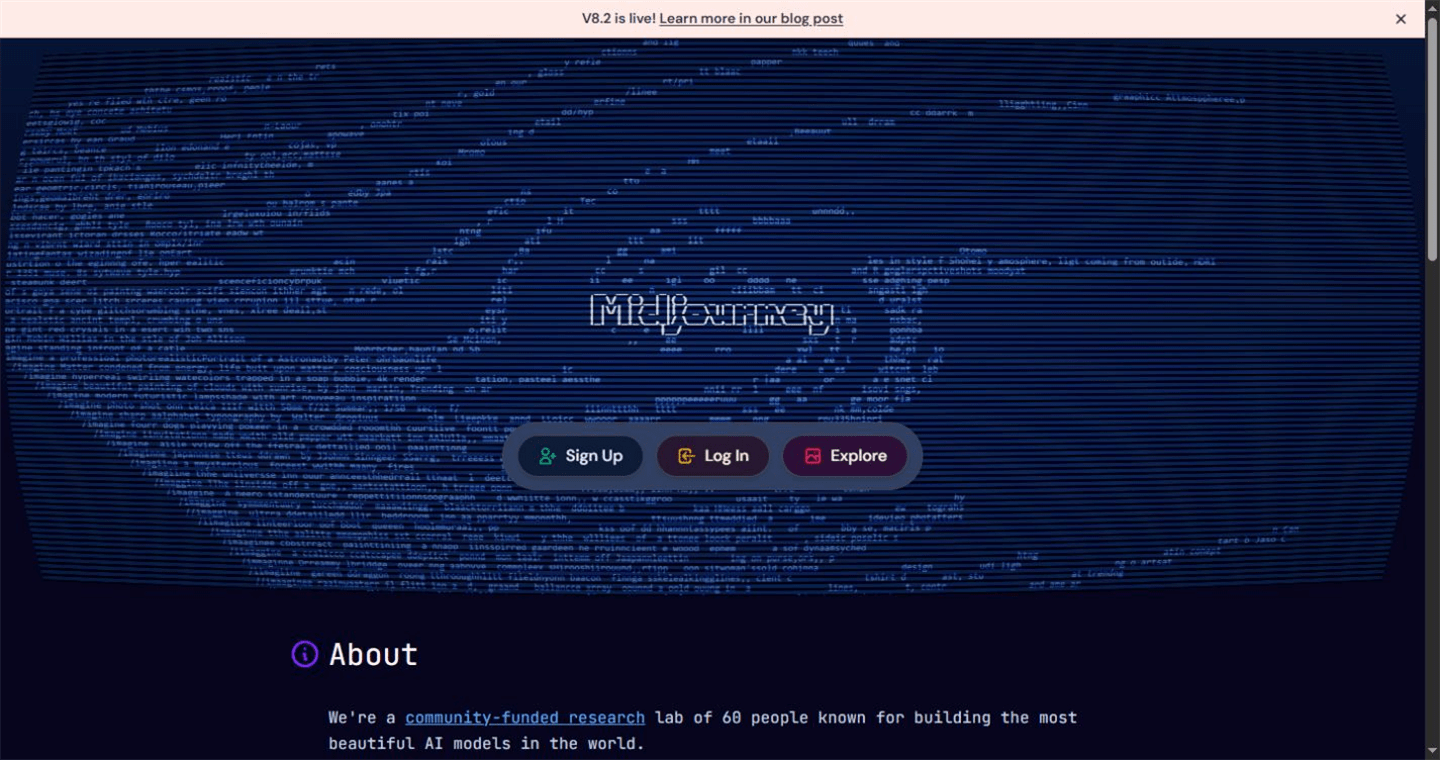
Best for: Artists and creative teams that value strong default aesthetics and fast visual exploration.
| Price | $10 / $30 / $60 / $120 monthly |
| Free plan | No |
| Relax Mode | Unlimited images on Standard, Pro and Mega |
| Privacy | Stealth Mode only on Pro and Mega |
| Main tradeoff | Public-by-default workflow can be unsuitable for confidential briefs |
- Its opinionated default style can produce polished concept art and hero visuals with relatively little setup.
- Annual billing is about 20% lower than monthly billing, while higher tiers add more fast GPU time.
- Commercial use is generally included for subscribers, but companies above $1 million in annual gross revenue need Pro or Mega under Midjourney’s stated terms.
3. ChatGPT Images
Best conversational workflow
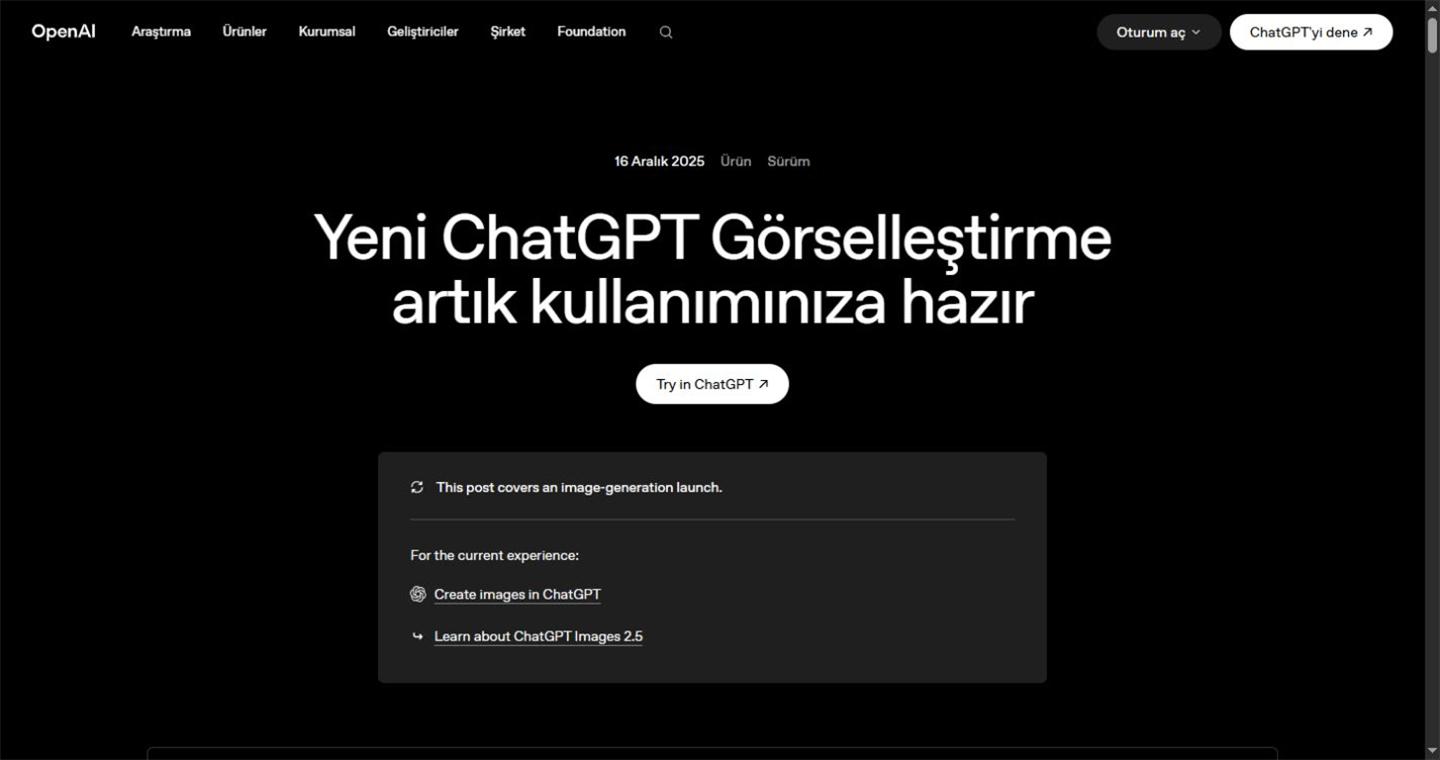
Best for: Users who want to create, inspect and revise images through natural-language conversation.
| Price | Available on all tiers; Plus is $20/month |
| Free plan | Yes, subject to current limits |
| Editing | Prompt-based edits plus selection tools |
| Useful controls | Aspect ratios, transparent backgrounds and text instructions |
| Main tradeoff | Availability and usage limits vary by plan and demand |
- Conversation makes it easy to refine composition, text, background and local edits without learning a separate prompting interface.
- Image generation is available across ChatGPT tiers, while Plus adds higher access and broader product capabilities.
- The current official product name is ChatGPT Images, replacing the older “DALL-E inside ChatGPT” wording used on this page.
4. Adobe Firefly
Best for brand production
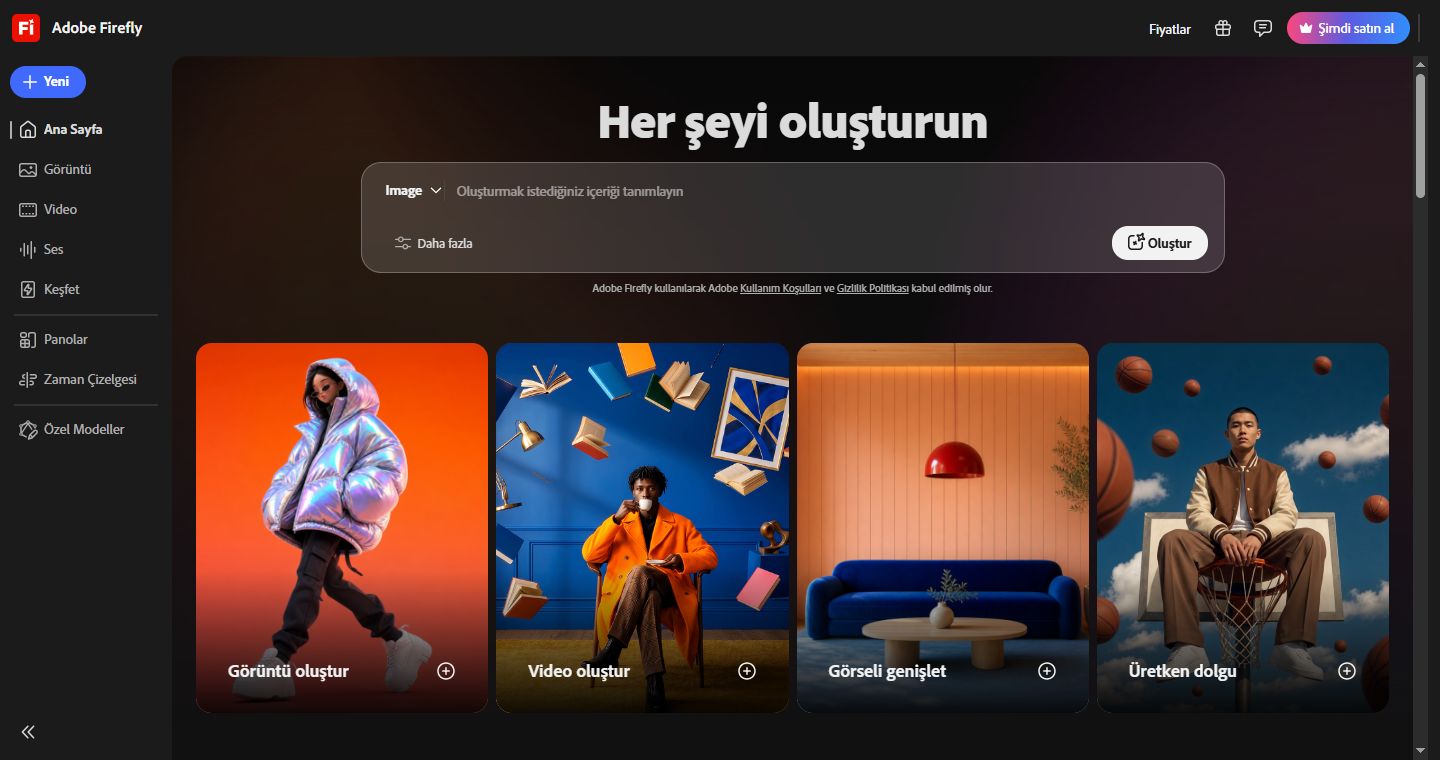
Best for: Designers and organizations already using Adobe tools or prioritizing training-data provenance and Content Credentials.
| Price | Free tier; paid plans from $9.99/month |
| Standard plan | 2,000 generative credits/month |
| Workflow | Firefly, Photoshop, Express and other Adobe apps |
| Provenance | Adobe models use licensed and public-domain training content |
| Main tradeoff | Partner models have their own suitability and terms considerations |
- Paid plans include unlimited standard image and vector generations; premium features and partner-model outputs consume credits.
- Content Credentials and close integration with Creative Cloud suit traceable, production-oriented brand workflows.
- Adobe states its own Firefly model outputs are safe for commercial use; select enterprise customers can receive IP indemnification for eligible outputs.
5. Ideogram
Best for text in images
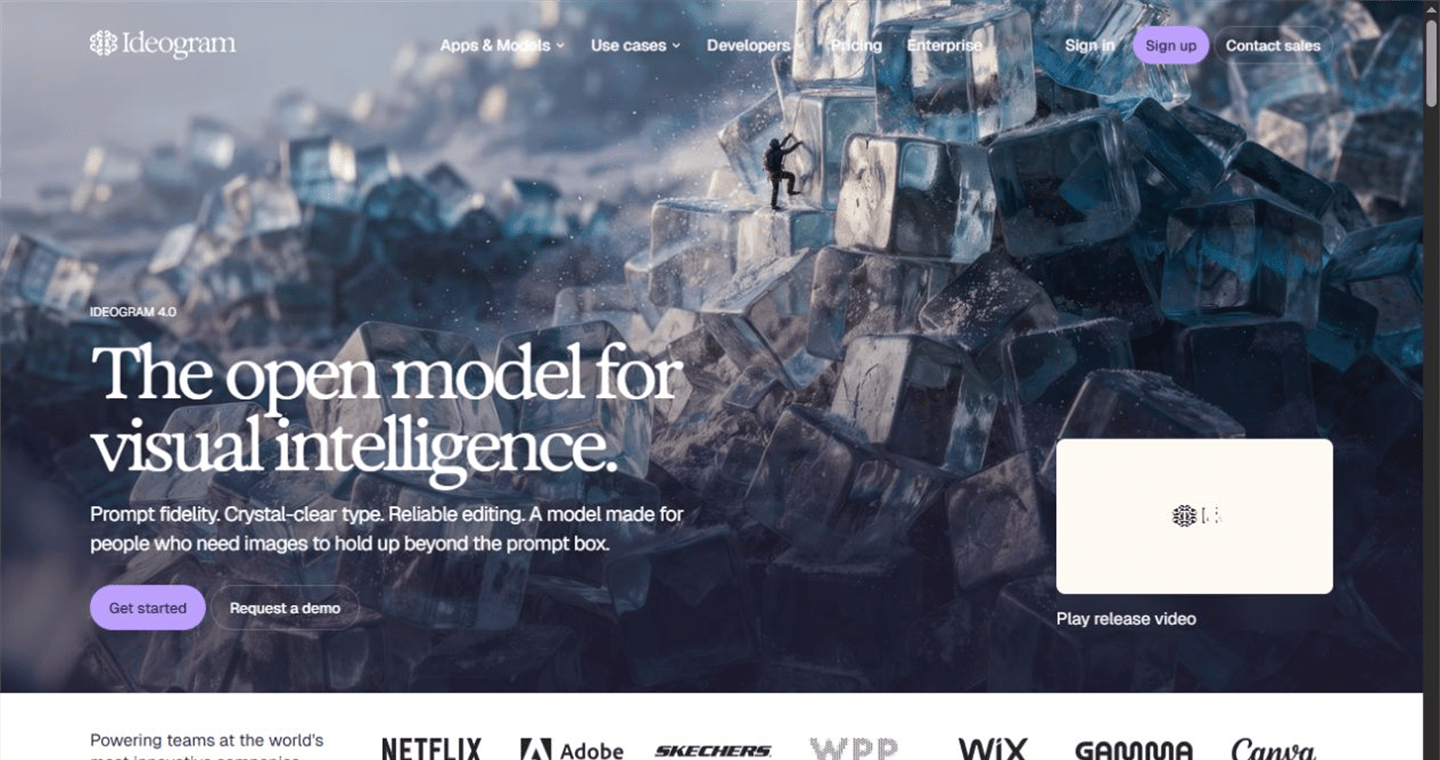
Best for: Posters, ads, social graphics, mockups and other visuals where readable text matters.
| Price | Free; Plus $20/mo or $15/mo annually |
| Plus credits | 1,000 priority credits/month |
| Privacy | Private generation on paid plans |
| Production tools | Character consistency, batch generation and quality export by tier |
| Main tradeoff | Advanced editing can require priority credits |
- Ideogram is especially useful when a visual must include legible headlines, labels or short marketing copy.
- The free tier is suitable for testing; paid plans add private generations, larger queues and unlimited slow credits.
- Pro and Team tiers add higher credit allocations, batch or collaboration features for repeat production.
6. Leonardo.ai
Best for controlled assets

Best for: Creative teams producing consistent campaign, product, game or story assets with references and reusable controls.
| Price | Free; Essential $12/mo or $10/mo annually |
| Free allocation | 150 fast tokens refreshed daily |
| Model choice | Leonardo and third-party image models |
| Control | References, custom models, in/out-painting and canvas tools |
| Main tradeoff | More controls and token rules mean a longer learning curve |
- Multiple reference and character controls help teams pursue repeatable people, products and visual styles.
- The free tier includes commercial use according to Leonardo’s current official comparison; paid plans add quality controls and capacity.
- Team plans start at $72 for three seats and include a shared token pool, workspace and permission features.
Kurums Match: choose by workflow
Start with the job you need to complete, then expand the closest match.
I want several current models and editing tools in one place
Start with getimg.ai. It combines multiple image models with resizing, upscaling and other editing tools. Compare model-level credit costs before estimating monthly volume.
I need bold concept art and polished hero imagery
Start with Midjourney. Its strong default aesthetic makes it efficient for exploration, but confidential teams should budget for a tier with Stealth Mode.
I want to create and revise images through conversation
Start with ChatGPT Images. It is a natural fit for iterative briefs, transparent backgrounds, text instructions and targeted edits.
I need an Adobe-centered brand workflow with clearer provenance
Start with Adobe Firefly. Adobe’s own models use licensed and public-domain training content, and its workflow connects directly to common production tools.
My graphics must include readable words
Start with Ideogram. It is built around typography-heavy generation and offers paid production features such as private generations and larger queues.
I need repeatable characters, products or asset libraries
Start with Leonardo.ai. References, custom models and canvas controls make it a strong candidate for structured asset pipelines and teams.
What to compare before you buy
Test the exact styles, subjects, aspect ratios and text your team publishes.
Model credits, failed iterations, upscaling and video can change the effective price.
Check whether generations are public by default and which tier enables private work.
Confirm commercial rights, model-specific rules and company-size conditions.
Commercial rights and workflow risk
A paid subscription does not automatically answer every intellectual-property question. Review the provider’s current terms, the specific model used and any restrictions that apply to your organization. Keep a lightweight record of the model, prompt, source assets, generation date, edits and applicable license for business-critical work.
For brand-sensitive content, generated output should still pass human review for logos, product accuracy, people, embedded text, cultural context and disclosure obligations. Adobe provides the clearest provenance story among the products in this guide for its own Firefly models, but outputs from partner models require separate judgment.
Our verdict
The best choice is the one that removes the most friction from your actual production loop. getimg.ai is the broad multi-model workspace; Midjourney is the focused artistic option; ChatGPT Images is the conversational choice; Firefly fits Adobe-centered brand production; Ideogram specializes in typography; and Leonardo.ai gives asset teams more reusable control. For many professional teams, a two-tool setup—one generator plus one editing or provenance-focused workflow—will outperform a single “winner.”
How we evaluated these tools
Kurums reviewed official product, pricing, help and terms-related pages available on September 12, 2026. We compared entry cost, free access, model choice, editing workflow, privacy, team fit and stated commercial-use conditions.
This comparison is independent and informational. Product placement is not an award, score or endorsement. Commercial or affiliate relationships do not determine the conclusions; prices and terms can change after publication.
Frequently Asked Questions
What is the best AI image generator in 2026?
There is no single best tool for every buyer. getimg.ai suits multi-model work, Midjourney artistic concepts, ChatGPT Images conversational editing, Firefly brand workflows, Ideogram typography, and Leonardo.ai controlled asset production.
Which AI image generator has a free plan?
ChatGPT Images, Adobe Firefly, Ideogram and Leonardo.ai currently offer free access or a free tier with limits. Midjourney does not list a free plan, and getimg.ai is paid-first on its current pricing page.
Which tool is best for text inside images?
Ideogram is the strongest specialist choice in this comparison for posters, ads and graphics that require embedded words. ChatGPT Images can also follow text instructions, so test both with your real fonts and copy length.
Which option is best for commercial brand work?
Adobe Firefly provides the clearest official training-data and Content Credentials story for its own models. Still, every organization should review current terms, model-specific rules and its own legal requirements before commercial use.
How much do AI image generators cost?
Entry pricing ranges from free tiers to roughly $10–$20 per month, while professional plans can exceed $100 per month. The effective cost depends on model-level credits, generation volume, privacy needs, upscaling and team seats.
Can these tools create consistent characters and products?
Consistency is improving, but it still requires reference images, reusable prompts and human quality control. Leonardo.ai is especially well equipped for reference-led asset work, while other platforms provide varying degrees of editing and guidance.
→ See all AI tools & comparisons
Last Updated: September 12, 2026 · Reviewed by the Kurums Technology editorial team.
Disclosure: This comparison is independent and informational. Some outbound links may be affiliate links. Affiliate eligibility does not determine product order, labels or conclusions. Verify pricing, rights and availability directly with each provider.
Discover more from Kurums | Business Intelligence
Subscribe to get the latest posts sent to your email.